DBD Email Rewards
Get exclusive Dead by Daylight rewards by subscribing to the official DBD newsletter. Learn how to receive special banners, bloodpoints, and cosmetics via email.
Claim Rewards Through Your Behaviour Account
Privacy Notice
Before proceeding, be aware that opting into communications may involve sharing your personal data with Behaviour Interactive and third parties working with them, including service providers, advertising partners, and business partners. This may include, but is not limited to, your name/username, gender, age, email address, IP address, device information (including operating system, platform, and browser details), general (non-precise) location, time zone, and usage data, which may be used to send you personalized newsletters, promotions, and targeted advertisements. Data collection practices may change over time. Please review their official Privacy Policy for the most up-to-date information on how your data is collected and used: bhvr.com/privacy-policy
To receive your gift, just follow the instructions below:
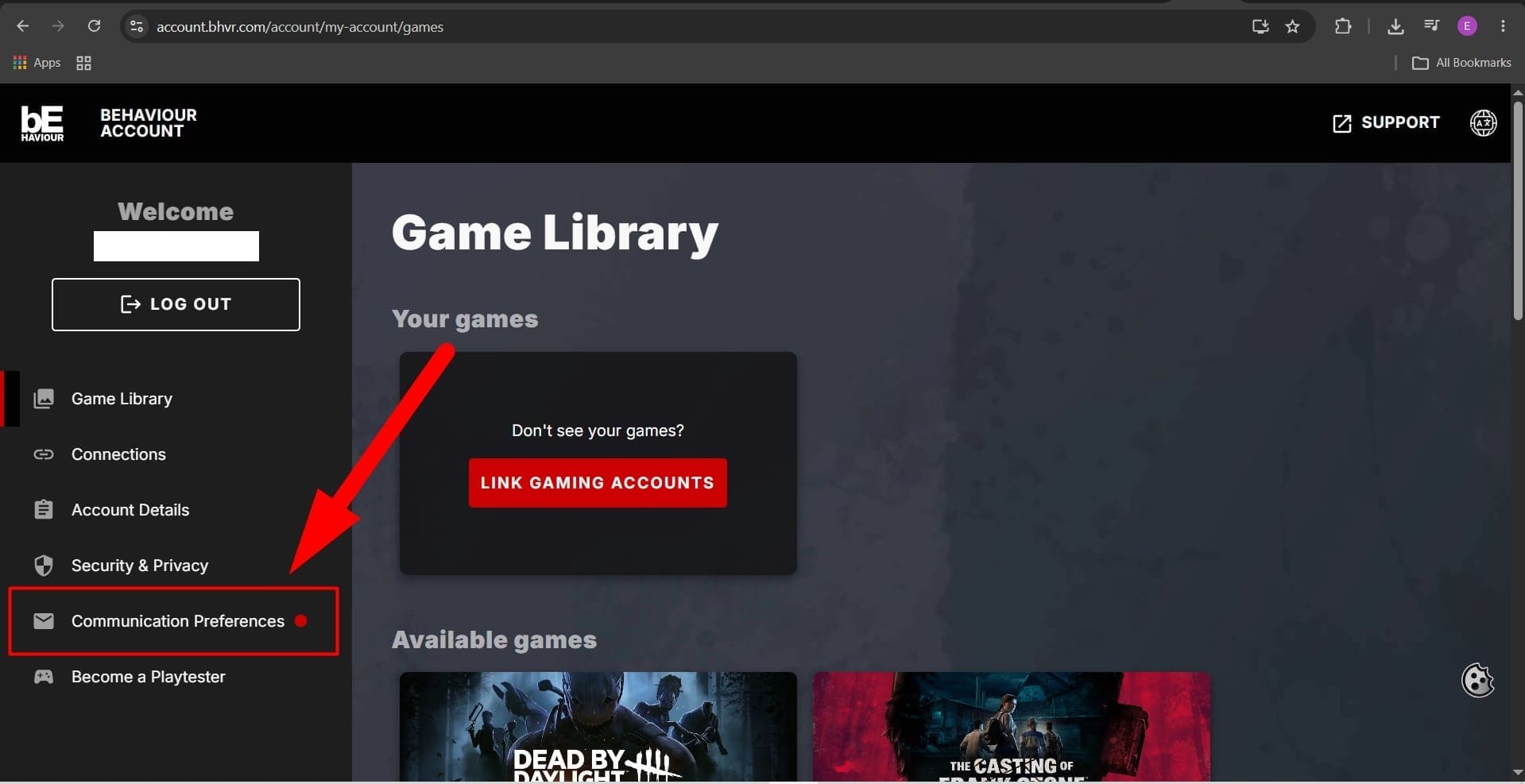
- Go to account.bhvr.com and log in or complete the sign-up flow.
- Once logged in, navigate to the Communication Preferences section.
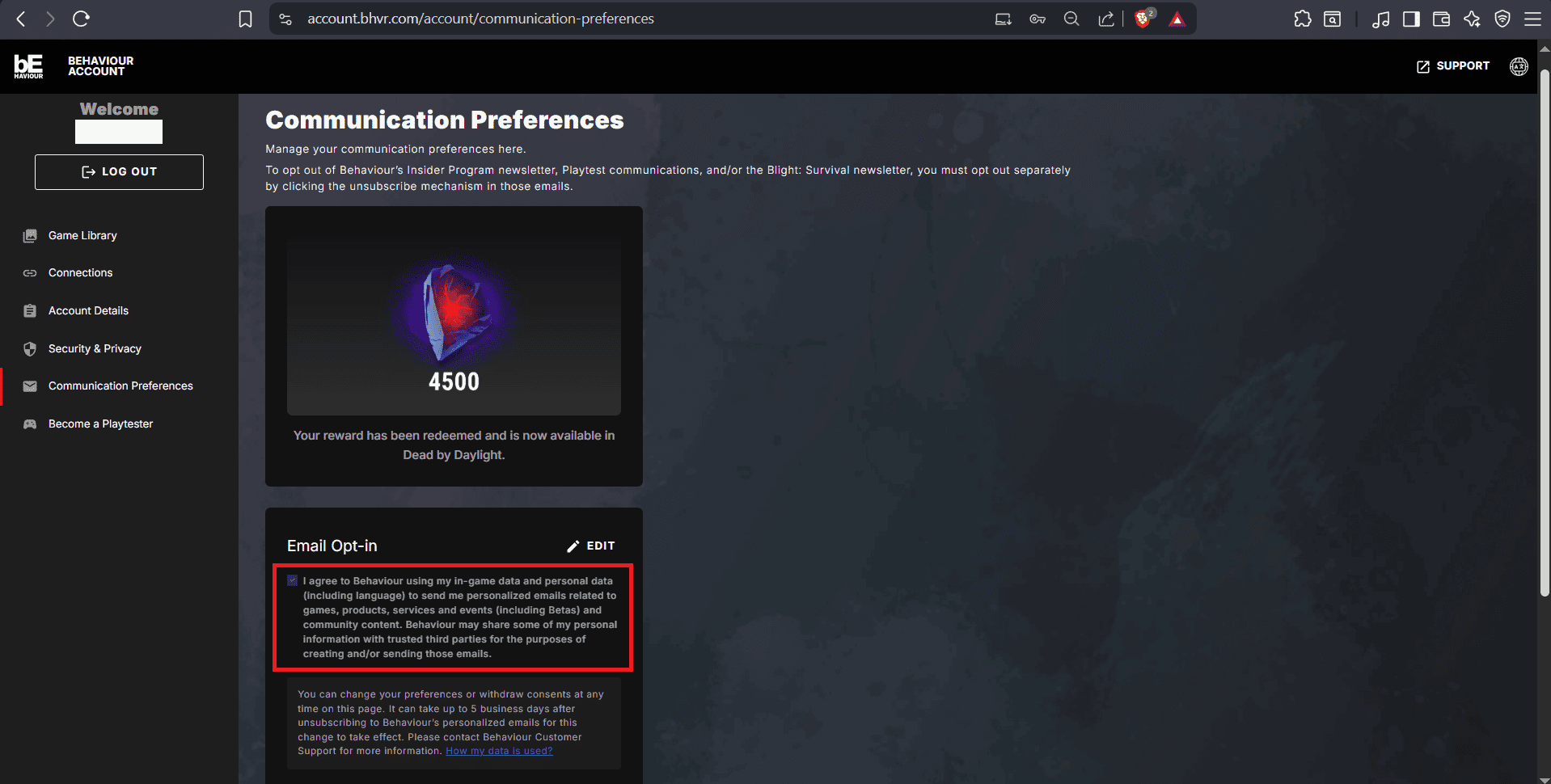
- Check the consent form boxes to opt into personalized communications.
Current Email Exclusive Reward (Expires: July 31, 2026 at 11:59 PM ET. )
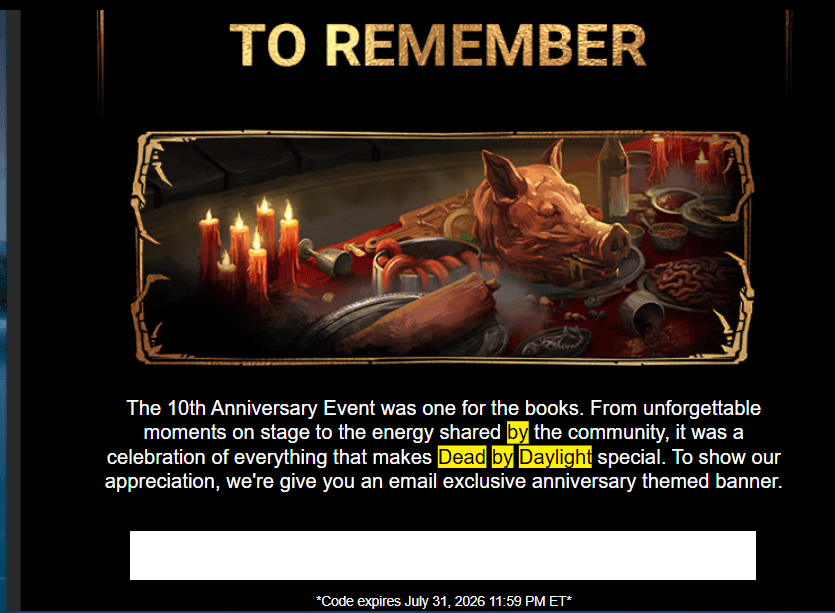
10th Anniversary Banner - Limited Time Offer
To celebrate Dead by Daylight's 10th Anniversary, Behaviour Interactive is sending an exclusive themed 10th Anniversary Banner to players subscribed to the newsletter. Check your inbox and spam/junk folders for an email from [email protected] containing a unique redemption code. The code expires on July 31, 2026 at 11:59 PM ET.
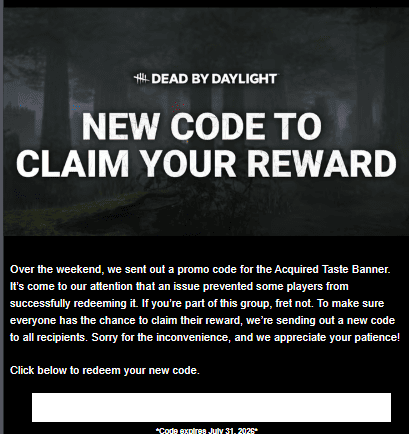
Update: Over the weekend, Behaviour Interactive sent out a promo code for the Acquired Taste Banner. An issue prevented some players from successfully redeeming it. If you were affected, a new replacement code has been sent to all recipients. Check your inbox and spam/junk folders for an email from [email protected] with the subject "Your New Acquired Taste Banner Code is Here".
Achievement-Based Email Rewards
Behaviour Interactive sends exclusive rewards via email when you reach specific in-game milestones. These achievement-based rewards are sent directly to your inbox as you progress in Dead by Daylight.
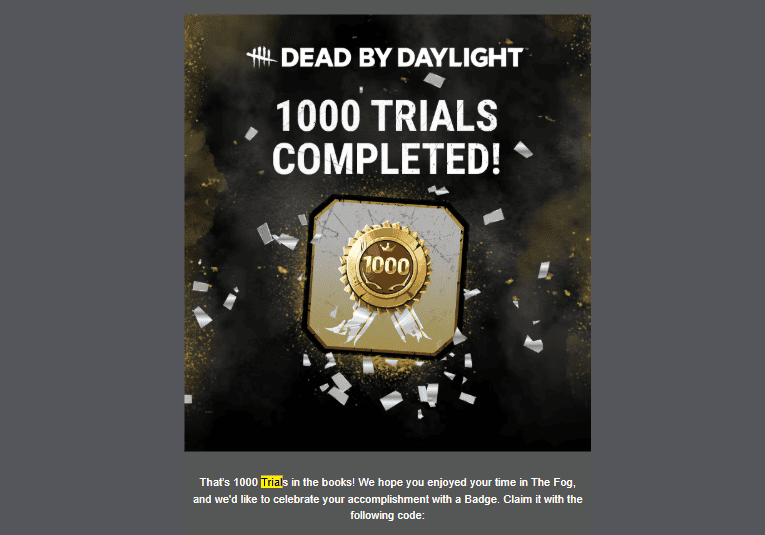
1000 Trials Achievement Badge
For players who have reached the impressive milestone of 1000 Trials, Behaviour Interactive sends a special commemorative badge. The email arrives from [email protected] with the subject line "Congratulations on 1000 Trials!" and includes a unique redemption code for the achievement badge.
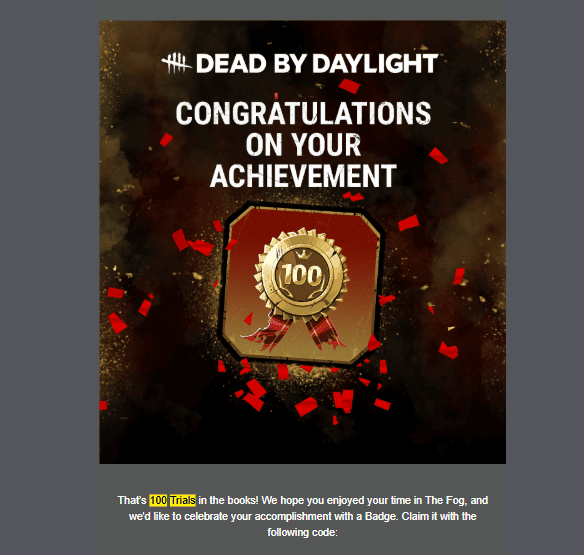
100 Trials Achievement Badge
When you reach 100 Trials in Dead by Daylight, you'll receive an email from [email protected] with the subject "Congratulations on 100 Trials!". This email contains a redemption code for a special badge celebrating your progress in The Fog.
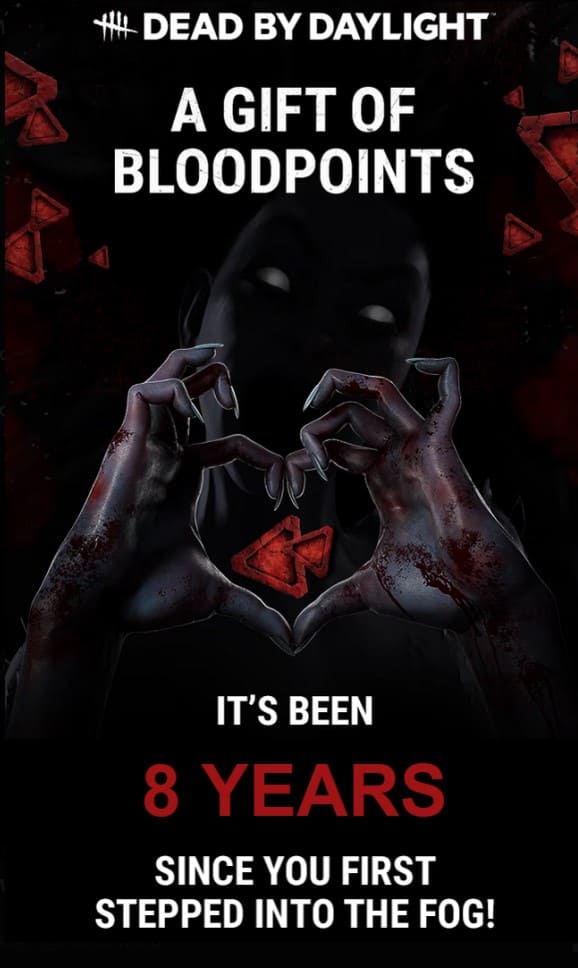
8 Years Bloodpoints Reward
Players who've owned and played Dead by Daylight for 8 years can claim 500,000 Bloodpoints. Check your inbox and spam/junk folders for an email from Behaviour Interactive titled "Congrats on 8 Years In The Fog!".
Tip: Make sure to check your inbox and spam/junk folders for these achievement emails. The subject lines make them easy to find.
Common Issues & Troubleshooting
Based on community feedback, many players experience issues with newsletter rewards. Here are the most common problems and solutions:
Newsletter reward codes do NOT automatically appear in your in-game inventory. You must manually redeem them in the in-game store. The codes are sent within regular newsletter emails, not as separate reward emails.
Common Problems
"I'm Subscribed But Never Received Any Emails"
Solution: Check your spam, junk, promotions, or ads folder. Many players report that DBD emails consistently go to spam. Mark emails from [email protected] as "Not Spam" and move them to your main inbox.
"I Received the Newsletter But No Reward Code"
Solution: Reward codes are often embedded within regular newsletter emails about new chapters or events. Search your inbox for keywords like "code," "redeem," or "reward." The code might be at the bottom of an email about a new chapter release.
"I Have Multiple Email Subscriptions"
Solution: Some players with multiple email subscriptions report only receiving codes on ONE of their subscribed emails. If you have multiple subscriptions, check all of them. You may want to consolidate to a single email address.
"I Got the Code But It Doesn't Work"
Solution: Make sure you're entering the code correctly (codes are case-sensitive). Some codes have expiration dates or redemption limits. If a code still doesn't work after multiple attempts, contact Behaviour Interactive support with proof of the email.
"I Never Received a Confirmation Email"
Solution: Behaviour Interactive does not always send a confirmation email when you subscribe. The only way to confirm you're subscribed is to receive regular newsletter emails about game updates, events, and patch notes. If you're receiving those emails, you're subscribed.
Frequently Asked Questions
Yes, subscribing to the Dead by Daylight newsletter is completely free. You'll receive exclusive reward codes and game updates at no cost.
You'll receive regular newsletters with game updates, news, and occasional exclusive reward codes. The frequency varies but is typically weekly to bi-weekly for news, with special reward emails sent during events and anniversaries.
Yes, you can unsubscribe at any time using the unsubscribe link in any newsletter email. However, unsubscribing means you won't receive future exclusive reward codes sent via email.
First, check your spam or junk folder. If it's not there, wait 24-48 hours after subscribing as some email providers have delivery delays. Make sure you've confirmed your subscription by clicking the confirmation link. If you still haven't received it, contact Behaviour Interactive support.
Yes, email reward codes typically work across all platforms (PC, PlayStation, Xbox, Switch) as long as you have a Behaviour Account linked to your platform account.
First, double-check that you entered the code correctly - codes are case-sensitive. If you're certain you entered it correctly and it still doesn't work, contact Behaviour Interactive support with proof of the email containing the code for assistance.